
ENGO 2 Live lap timing in your line of sight
The MyRacing Pulse app works with ENGO 2 to put your live delta, last lap time and lap number in your line of sight while it records your session.
See what’s in view Check your setup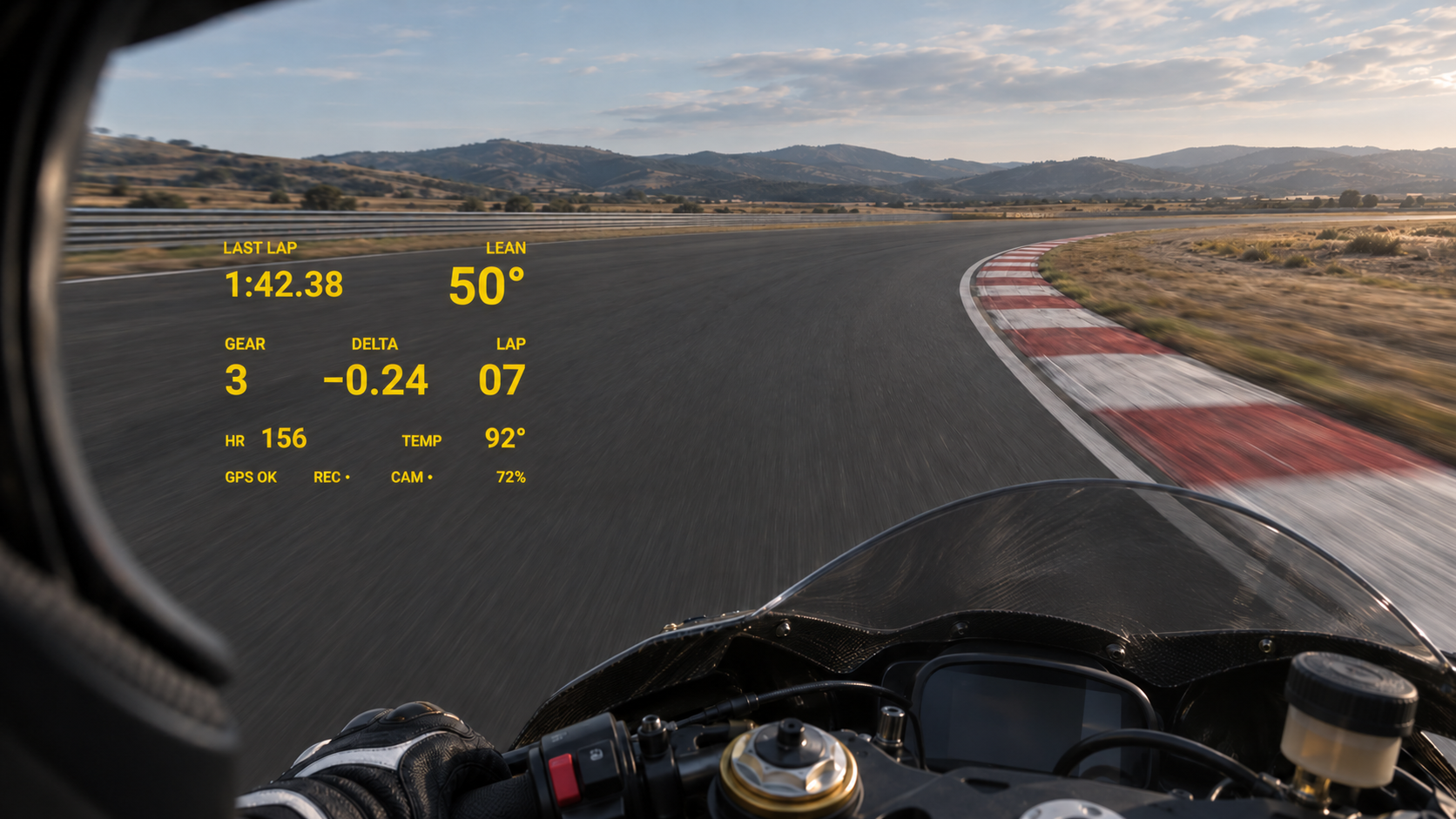
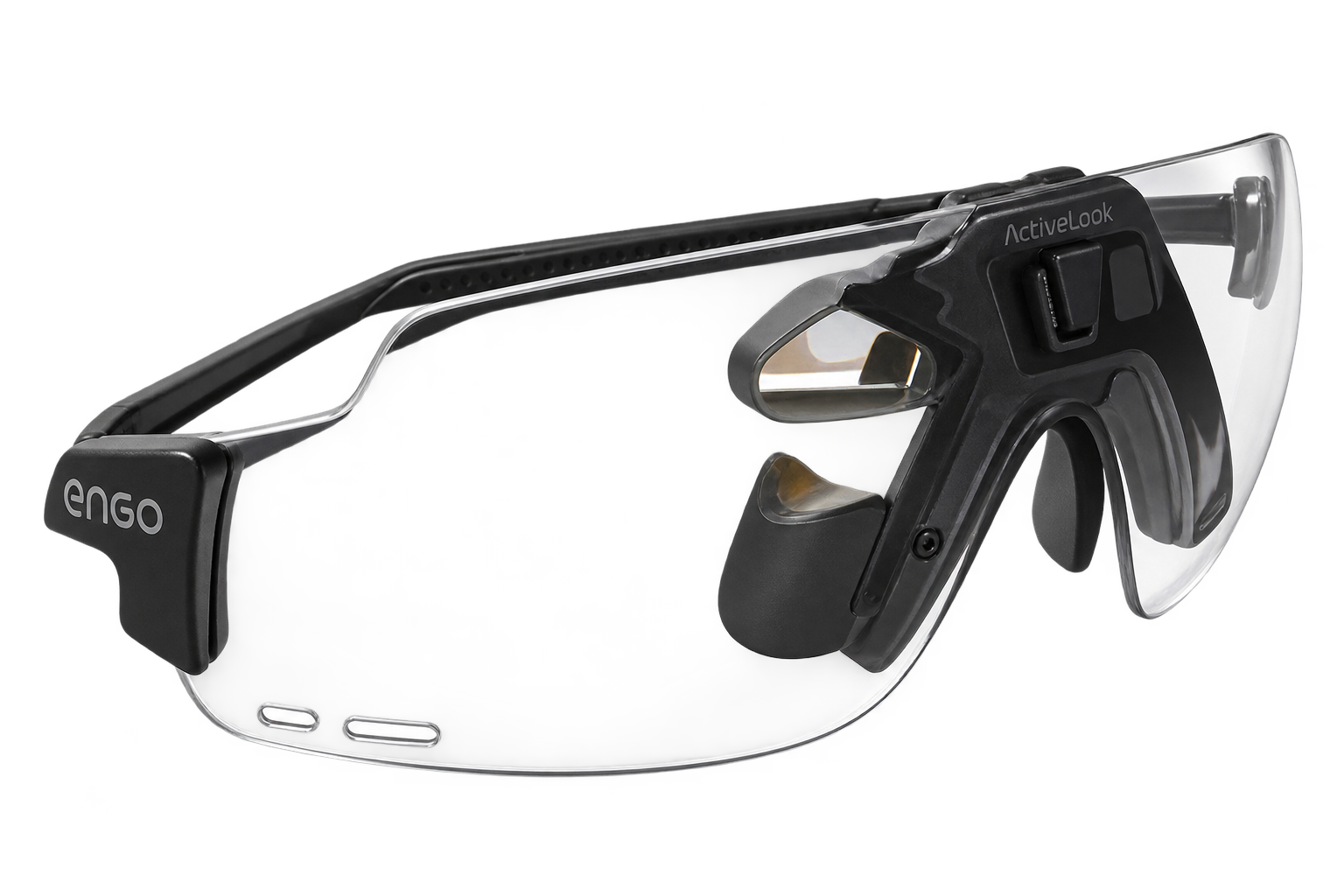
The heads-up display
What you see mid-session
- Lap timing and status
- The MyRacing Pulse app sends live delta, last lap time and lap number to the glasses, plus GPS, recording and camera status indicators.
- Lean angle
- Lean can appear when the app has a reading. Mount and calibrate your phone to use its motion sensors for lean and G-force recording.
- Gear, coolant temperature and heart rate
- Gear and temperature depend on the readings your compatible ECU setup supplies. Heart rate comes from a compatible Bluetooth sensor.
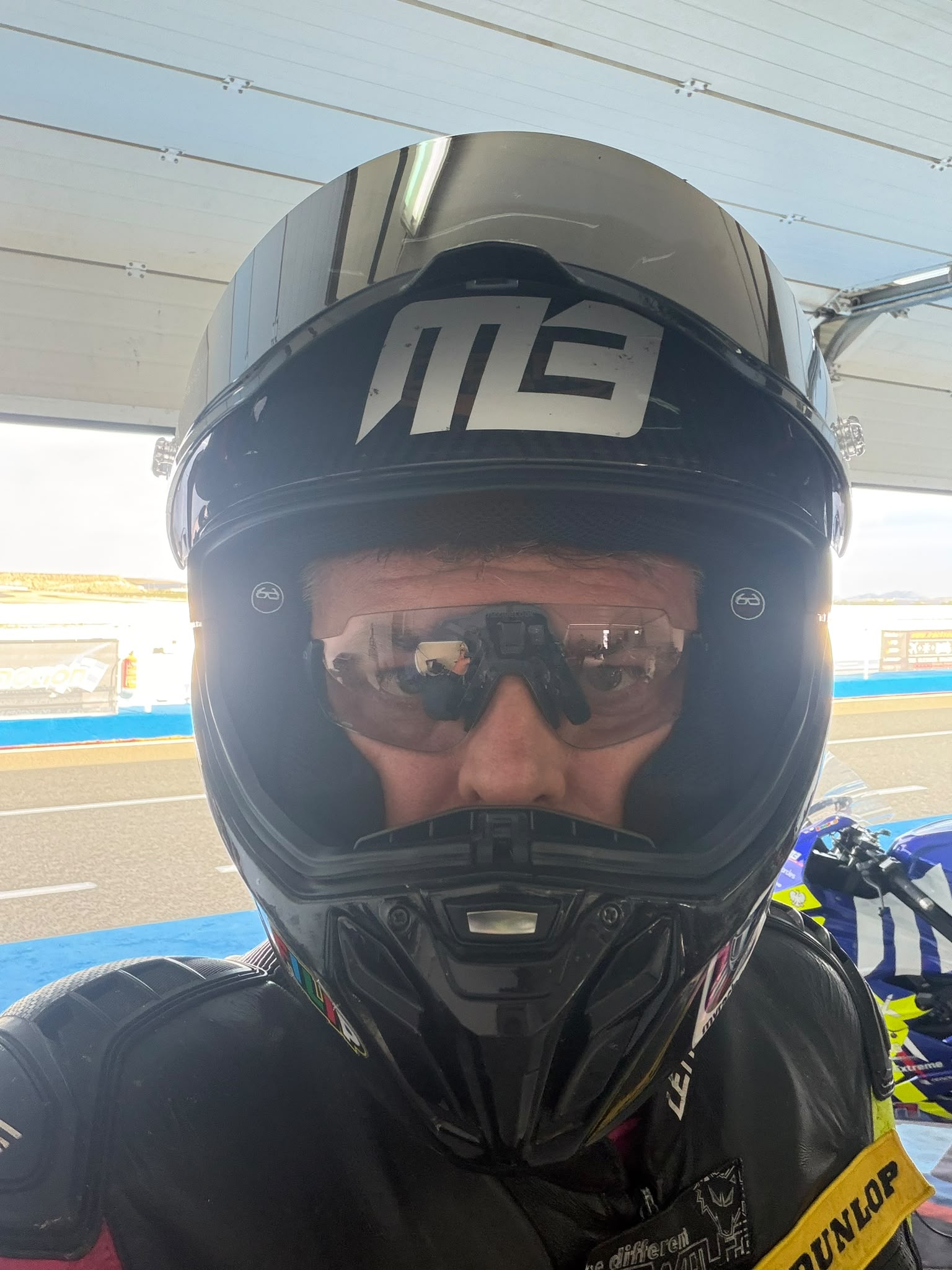
Recording setups for ENGO 2
ENGO 2 shows lap timing in either setup. Choose wireless GPS for flexible phone placement or use a mounted phone to record lean angle and G-force from its sensors.
A compatible ECU adapter adds available engine channels to the recording. A heart-rate sensor lets you compare effort with pace in MyRacing afterwards.
Get the MyRacing Pulse app
Download for iPhone or Android. Rider Pro includes session recording and telemetry analysis.
See Rider Pro plansMyRacing provides the telemetry integration. ENGO 2 glasses are sold separately by ENGO Eyewear. View ENGO 2 on the manufacturer’s site